
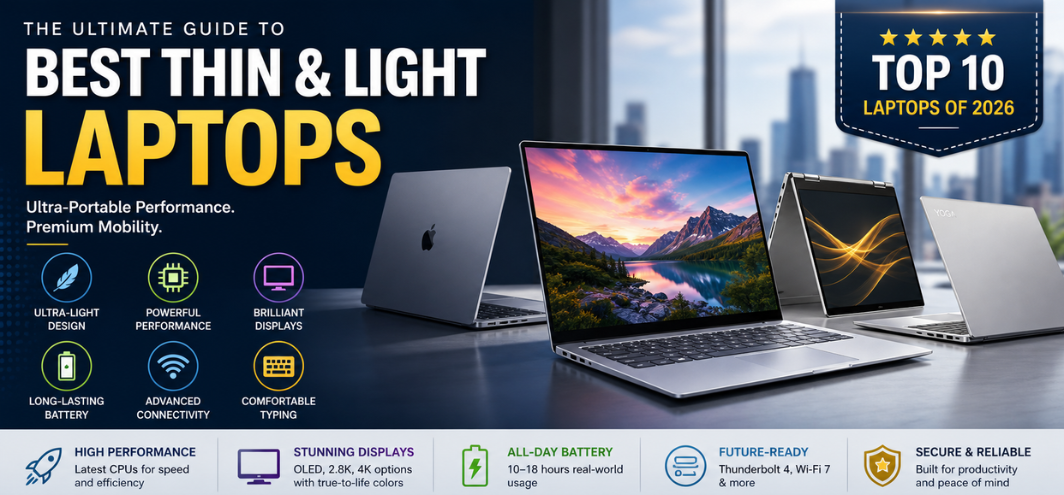
In the modern era of digital mobility, thin and light laptops have become the cornerstone of productivity, efficiency, and seamless computing. We operate in a world where portability, performance, and battery longevity define success, and selecting the best thin and light laptop is a strategic investment in both professional output and lifestyle convenience. This comprehensive guide delivers deep technical insights, premium recommendations, and performance-driven analysis to help identify the most powerful and portable machines available today.
Why Thin and Light Laptops Dominate Modern Computing
Thin and light laptops represent a perfect balance between power and portability. Designed for professionals, students, entrepreneurs, and creators, these devices offer:
- Ultra-slim form factors that enhance mobility
- Lightweight chassis for effortless transport
- Efficient processors optimized for battery life
- Premium displays for immersive visuals
The evolution of ultrabooks and ultraportables has enabled users to experience desktop-grade performance in compact designs, redefining expectations across industries.
Key Features That Define the Best Thin and Light Laptops
1. Ultra-Slim Design and Build Quality
The hallmark of a top-tier thin and light laptop is its refined engineering:
- Thickness under 17mm
- Weight between 1–1.5 kg
- Aircraft-grade aluminum or magnesium alloy construction
- Minimal bezels for a modern aesthetic
2. High-Performance Processors
Despite their compact size, these laptops deliver exceptional power:
- Intel Core Ultra series processors
- AMD Ryzen 7000/8000 series
- Apple Silicon M-series chips
These processors ensure smooth multitasking, fast rendering, and efficient power consumption.
3. Brilliant Display Technology
A premium display enhances both productivity and entertainment:
- Full HD, 2.8K, or 4K resolution
- OLED or IPS panels
- High brightness (400–600 nits)
- 100% sRGB or DCI-P3 color accuracy
4. Long-Lasting Battery Life
Battery performance is a critical factor:
- 10–18 hours of real-world usage
- Fast charging capabilities
- Optimized power management systems
5. Advanced Connectivity
Modern thin laptops include:
- Thunderbolt 4 / USB-C ports
- Wi-Fi 6E or Wi-Fi 7 support
- Bluetooth 5.3 or higher
6. Comfortable Keyboard and Trackpad
For extended productivity:
- Backlit keyboards
- Precision touchpads
- Ergonomic key travel
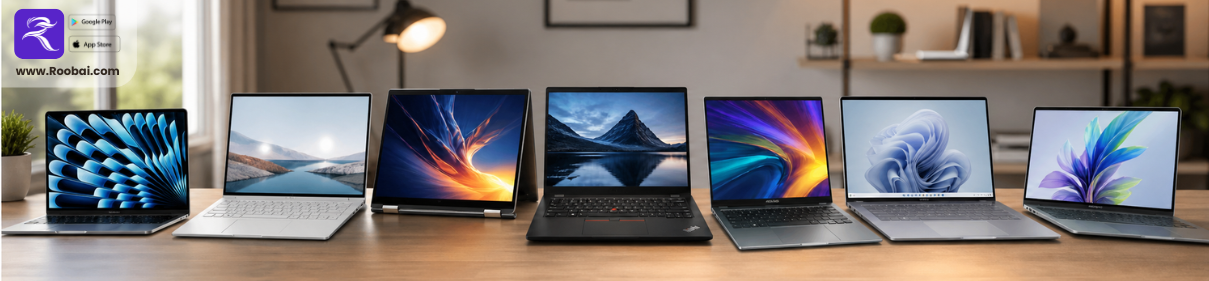
Top 10 Best Thin and Light Laptops in 2026
1. Apple MacBook Air (M3)
The Apple MacBook Air (M3) sets the benchmark for ultra-portable computing excellence.
- Fanless design with silent operation
- Exceptional battery life up to 18 hours
- Liquid Retina display with stunning clarity
- Seamless integration with Apple Inc. ecosystem
This device is ideal for students, professionals, and content creators seeking unmatched efficiency.
2. Dell XPS 13 (2026 Edition)
The Dell XPS 13 continues to dominate the premium ultrabook category.
- InfinityEdge display with ultra-thin bezels
- Intel Core Ultra processors
- Premium CNC-machined aluminum body
- Lightweight yet powerful performance
A top-tier choice for business professionals and executives.
3. HP Spectre x360 14
The HP Spectre x360 14 combines luxury design with versatile functionality.
- Convertible 2-in-1 design
- OLED touchscreen display
- Premium aesthetics with gem-cut edges
- Strong security features
Perfect for creative professionals and multitaskers.
4. Lenovo Yoga Slim 7i Carbon
The Lenovo Yoga Slim 7i Carbon is engineered for extreme portability.
- Ultra-lightweight carbon fiber construction
- High-resolution display
- Intel Evo platform certification
- Reliable battery performance
An excellent choice for frequent travelers.
5. ASUS ZenBook S 13 OLED
The ASUS ZenBook S 13 OLED offers exceptional display quality and efficiency.
- Stunning OLED panel
- Ultra-slim chassis
- Eco-friendly design materials
- AMD Ryzen or Intel options
Ideal for visual professionals and designers.
6. Microsoft Surface Laptop 6
The Microsoft Surface Laptop 6 delivers refined performance with elegant design.
- PixelSense touchscreen display
- Premium build quality
- Optimized for Windows 11
- Excellent typing experience
Best suited for students and professionals.
7. LG Gram 14
The LG Gram 14 is synonymous with lightweight endurance.
- Extremely lightweight (under 1 kg)
- Long battery life
- Durable magnesium alloy body
- Large display in compact form
Perfect for on-the-go professionals.
8. Acer Swift X 14
The Acer Swift X 14 blends portability with performance graphics.
- Dedicated GPU for creative workloads
- Slim yet powerful
- High-quality display
- Strong multitasking capabilities
Ideal for content creators and editors.
9. Samsung Galaxy Book3 Pro
The Samsung Galaxy Book3 Pro offers premium design and AMOLED brilliance.
- AMOLED display technology
- Ultra-slim design
- Seamless integration with Samsung Electronics devices
- Excellent portability
Best for Samsung ecosystem users.
10. Lenovo ThinkPad X1 Nano
The Lenovo ThinkPad X1 Nano is built for business excellence.
- Enterprise-grade security
- Legendary ThinkPad keyboard
- Ultra-lightweight design
- Reliable performance
A preferred choice for corporate professionals.
Thin and Light Laptops vs Traditional Laptops
| Feature | Thin & Light Laptops | Traditional Laptops |
|---|---|---|
| Portability | Excellent | Moderate |
| Weight | 1–1.5 kg | 2–3 kg |
| Performance | High efficiency | High raw power |
| Battery Life | Long-lasting | Moderate |
| Design | Premium and sleek | Bulky |
Advantages of Thin and Light Laptops
- Exceptional portability for travel and commuting
- Elegant and premium design aesthetics
- Efficient power consumption
- Fast boot and application performance
- Ideal for remote work and hybrid environments
Limitations to Consider
- Limited upgradeability
- Fewer ports compared to larger laptops
- Higher cost for premium models
- Thermal constraints under heavy workloads
Best Use Cases for Thin and Light Laptops
1. Business Professionals
- Frequent travel
- Presentations and meetings
- Remote work efficiency
2. Students
- Lightweight for campus mobility
- Long battery life for classes
- Fast performance for multitasking
3. Content Creators
- Photo and video editing
- Graphic design workflows
- Portable creative studios
4. Everyday Users
- Browsing and streaming
- Office productivity
- Casual multitasking
How to Choose the Perfect Thin and Light Laptop
When selecting the best device, focus on:
- Processor performance based on workload
- Display quality for visual clarity
- Battery endurance for daily usage
- Build durability for long-term reliability
- Port selection for connectivity needs
Future Trends in Thin and Light Laptops
- AI-powered performance optimization
- Fanless high-performance architectures
- Foldable and dual-screen innovations
- Improved battery technologies
- Sustainable and eco-friendly materials
These advancements will continue to push the boundaries of portable computing excellence.
FAQs
1. What defines a thin and light laptop?
A laptop with slim design and lightweight build, typically under 1.5 kg.
2. Are thin laptops powerful?
Yes, modern models deliver high efficiency and strong performance.
3. What is the ideal weight?
Between 1–1.3 kg for optimal portability.
4. Are they good for gaming?
Not primarily, unless equipped with a dedicated GPU.
5. Do they overheat?
Advanced cooling systems minimize overheating.
6. Are they durable?
Yes, especially with metal chassis designs.
7. Can I upgrade RAM or storage?
Limited in most ultrabooks.
8. What is the best screen size?
13–14 inches for portability.
9. Are they expensive?
Premium models are higher priced.
10. Do they support fast charging?
Yes, most modern devices do.
11. Are they suitable for coding?
Yes, excellent for development tasks.
12. What OS is best?
Depends on user preference; Windows and macOS dominate.
13. Are they good for video editing?
High-end models perform well.
14. Do they have good speakers?
Premium models offer enhanced audio systems.
15. Are they good for students?
Yes, highly recommended.
16. What ports are included?
USB-C, Thunderbolt, and sometimes USB-A.
17. How long do they last?
Typically 4–6 years.
18. Are OLED displays better?
Yes, for color accuracy and contrast.
19. Can they replace desktops?
For most tasks, yes.
20. Are they eco-friendly?
Some brands use sustainable materials.
21. Do they support external GPUs?
Some models support eGPU via Thunderbolt.
22. Are they good for travel?
Yes, ideal for mobility.
23. What is Intel Evo?
A certification for premium performance and battery standards.
24. Do they have good webcams?
Modern models include HD or Full HD webcams.
25. Are thin laptops the future?
Yes, they represent the next evolution of portable computing.