
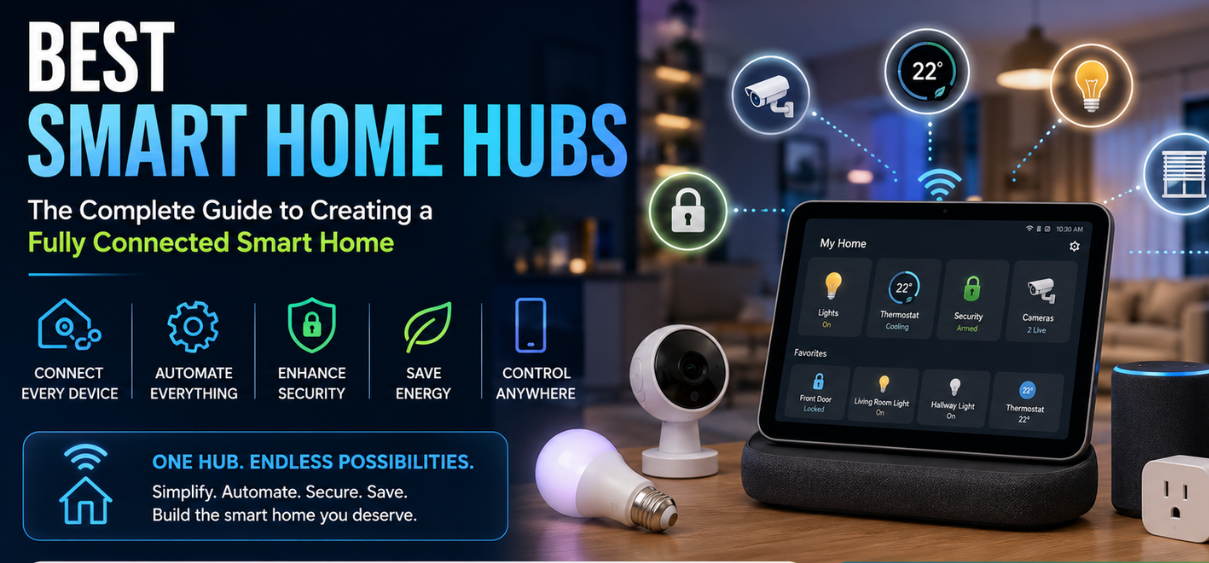
Best Smart Home Hubs: The Complete Guide to Creating a Fully Connected Smart Home
Modern homes are becoming increasingly intelligent, offering homeowners greater convenience, security, energy efficiency, and control than ever before. At the center of every connected home is a smart home hub, the device responsible for bringing all smart products together into one seamless ecosystem. Whether controlling smart lights, thermostats, security cameras, locks, sensors, speakers, or appliances, a smart home hub simplifies automation and enhances the overall smart living experience.
As technology continues to evolve in 2026, choosing the right smart home hub has become more important than ever. Different hubs support different communication protocols, voice assistants, automation capabilities, and smart devices. Selecting the ideal hub ensures maximum compatibility, improved reliability, stronger security, and effortless control over every connected device.
In this comprehensive guide, we explore everything you need to know about the best smart home hubs, including features, benefits, supported ecosystems, installation, buying considerations, and the top models available today.
What Is a Smart Home Hub?
A smart home hub is a centralized controller that connects multiple smart devices from different manufacturers into one integrated system. Instead of managing separate mobile applications for every smart device, users can control everything through one interface.
The hub acts as the communication bridge between devices using technologies such as:
- Wi-Fi
- Bluetooth
- Zigbee
- Z-Wave
- Thread
- Matter
- Ethernet
With a smart hub installed, users can automate routines, schedule tasks, receive notifications, monitor their homes remotely, and control devices using voice assistants or mobile applications.
Why Every Smart Home Needs a Smart Home Hub
Without a dedicated hub, managing dozens of smart devices can become overwhelming. Multiple applications, inconsistent compatibility, and disconnected automation reduce the convenience of a smart home.
A smart hub solves these challenges by providing:
- Centralized device management
- Unified automation
- Cross-brand compatibility
- Remote monitoring
- Voice assistant integration
- Enhanced security
- Reliable communication
- Improved response times
- Offline automation support
- Scalable smart home expansion
How Smart Home Hubs Work
A smart home hub continuously communicates with all compatible devices connected throughout the home.
The basic workflow includes:
- Devices connect to the hub.
- The hub authenticates each device.
- Automation rules are created.
- Sensors monitor activity.
- The hub processes triggers.
- Commands are instantly sent.
- Devices respond automatically.
- Users monitor everything through one dashboard.
For example:
- Motion sensor detects movement.
- Hub activates hallway lights.
- Security camera starts recording.
- Smart lock remains locked.
- Mobile notification is sent instantly.
Everything happens within seconds without manual intervention.
Key Features of the Best Smart Home Hubs
1. Multi-Protocol Support
Premium smart hubs support several communication standards simultaneously.
Common protocols include:
- Wi-Fi
- Bluetooth
- Matter
- Thread
- Zigbee
- Z-Wave
- RF communication
The more protocols supported, the greater the device compatibility.
2. Matter Compatibility
Matter has become the universal standard for smart homes.
Benefits include:
- Better interoperability
- Easier setup
- Improved security
- Faster communication
- Local device control
- Reduced compatibility issues
Matter support ensures long-term investment protection.
3. Voice Assistant Integration
Leading smart home hubs work seamlessly with:
- Amazon Alexa
- Google Assistant
- Apple HomeKit
- Samsung SmartThings
- Home Assistant
Voice control allows users to:
- Turn lights on
- Lock doors
- Adjust temperature
- Play music
- Open blinds
- Activate security systems
- Run automation routines
4. Local Automation
Many advanced hubs execute automation locally rather than relying entirely on cloud services.
Advantages include:
- Faster response
- Better privacy
- Works during internet outages
- Reduced latency
- Increased reliability
5. Automation Rules
Smart hubs enable complex automation scenarios.
Examples include:
- Sunset lighting
- Morning routines
- Vacation mode
- Security mode
- Energy-saving mode
- Night mode
- Guest mode
Automation eliminates repetitive manual actions.
6. Remote Access
Using mobile applications, homeowners can:
- Monitor devices
- Receive alerts
- Lock doors
- Watch security cameras
- Adjust thermostats
- Turn appliances on or off
Remote management is especially useful during travel.
7. Security Monitoring
Many hubs integrate with:
- Door sensors
- Window sensors
- Smoke detectors
- Carbon monoxide detectors
- Motion sensors
- Flood sensors
- Smart locks
- Video doorbells
- Security cameras
Instant alerts improve home safety.
Benefits of Using a Smart Home Hub
A smart home hub offers numerous advantages beyond convenience.
Improved Convenience
Users control every connected device from a single application instead of switching between multiple apps.
Enhanced Home Security
Automation strengthens home protection by coordinating:
- Cameras
- Locks
- Alarms
- Motion sensors
- Doorbells
Suspicious activity triggers immediate notifications.
Energy Savings
Smart automation helps reduce electricity consumption.
Examples include:
- Automatically turning off unused lights
- Optimizing heating and cooling schedules
- Managing smart plugs
- Controlling appliances
- Monitoring energy usage
Greater Device Compatibility
Modern hubs support thousands of devices from different manufacturers.
Instead of remaining locked into one ecosystem, homeowners gain greater flexibility when expanding their smart homes.
Simplified Automation
Users can create routines such as:
Morning Routine
- Bedroom lights brighten gradually
- Coffee maker starts brewing
- Thermostat adjusts temperature
- Curtains open automatically
- News briefing begins
Leaving Home Routine
- Doors lock
- Lights switch off
- Cameras activate
- Alarm arms
- Thermostat enters Eco Mode
Night Routine
- Exterior lights activate
- Doors lock
- Indoor lights dim
- Bedroom temperature adjusts
- Security system arms automatically
Top Smart Home Hubs in 2026
| Smart Home Hub | Best For | Matter Support | Voice Assistant | Ideal User |
|---|---|---|---|---|
| Amazon Echo Hub | Alexa homes | Yes | Alexa | Beginners |
| Samsung SmartThings Hub | Multi-brand compatibility | Yes | Alexa & Google Assistant | Most homeowners |
| Apple HomePod | Apple ecosystem | Yes | Siri | Apple users |
| Google Nest Hub Max | Google ecosystem | Yes | Google Assistant | Android users |
| Home Assistant Green | Advanced automation | Yes | Multiple | Power users |
| Hubitat Elevation | Local automation | Yes | Multiple | Privacy-focused users |
Smart Home Devices Compatible with Modern Hubs
A quality smart home hub can connect with a wide variety of devices, including:
- Smart bulbs
- Smart switches
- Smart plugs
- Smart locks
- Video doorbells
- Security cameras
- Motion sensors
- Door and window sensors
- Water leak detectors
- Smoke alarms
- Smart thermostats
- Garage door controllers
- Motorized blinds
- Robot vacuum cleaners
- Air purifiers
- Smart speakers
- Smart TVs
- Irrigation controllers
- Energy monitors
- Smart appliance